


July 9, 2025
Beyond Code: How AI is Redefining Mobile App Development
Enjoying this article?
Share it with the world!


How AI is Changing Mobile App Development in 2026
| ⚡ Quick Answer AI is changing mobile app development in two distinct ways that often get conflated. It changes how apps are built — assisted coding, generated tests, automated review — with measured gains at the task level. And it changes what apps do — personalization, on-device inference, conversational interfaces. The first is well evidenced. The second delivers value only when the underlying data supports it. |
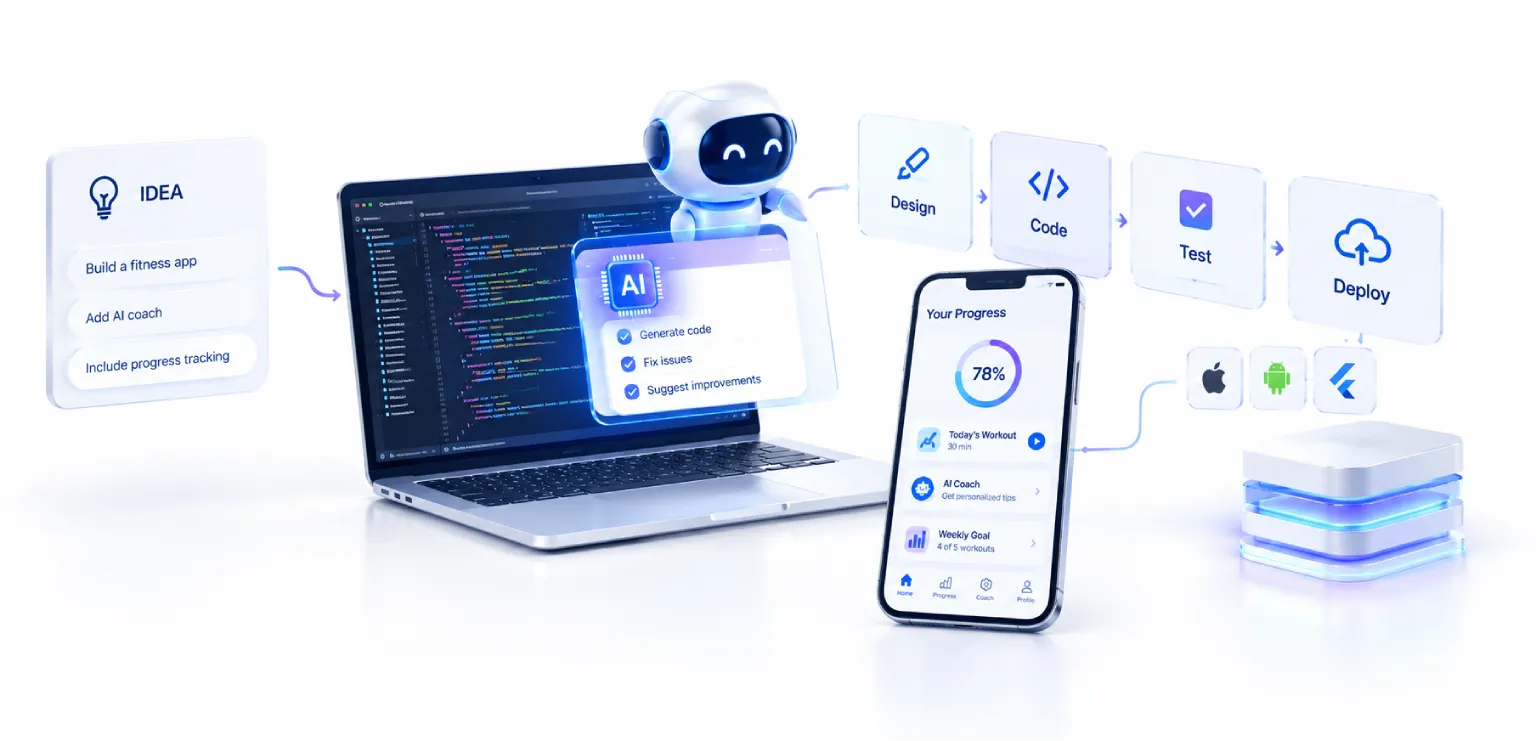
Mobile app development used to be a question of clean code and a considered interface. That is still necessary, and it is no longer sufficient. Users now expect apps that adapt to how they are used, anticipate what comes next, and respond in ways that feel less like operating software and more like being understood.
At the same time, the way those apps get built has changed. Assisted coding tools now sit inside the editor, generating tests, suggesting implementations, and handling the repetitive work that used to consume the first half of a sprint.
Both shifts are real. Both are also routinely overstated, which makes it worth separating what the research actually measures from what gets claimed on its behalf.
What the Productivity Research Actually Measures
GitHub ran a controlled experiment in which two groups of developers built an HTTP server in JavaScript, one with Copilot and one without. The results are specific, and worth quoting precisely rather than rounding into a general claim about delivery speed.
Source: GitHub controlled experiment; results statistically significant at p=0.0017. |
| Read the confidence interval That 21–89% range is the most useful part of the finding and the part most often dropped. It means the effect is real but highly variable — some developers and some tasks see very little gain. Planning a delivery schedule around the midpoint is a mistake. |
Note also what was measured: a single well-defined coding task, in a lab, with one language. That is not the same as a project timeline. Mobile delivery includes design iteration, device testing, app store review, and stakeholder sign-off — none of which the study touched, and several of which assisted coding does nothing to shorten.
The honest framing is that AI assistance removes a meaningful share of implementation time, and implementation is one part of a mobile release cycle. That is still valuable. It is not a 55% faster product.
Adoption Is Up. Confidence Is Not.
Developer surveys through 2025 show adoption climbing while sentiment moves the other way. Roughly 84% of developers use or plan to use AI in their process, and about half use it daily. Yet overall positive sentiment fell to around 60%, down from over 70% in 2023 and 2024. Close to 46% say they do not fully trust AI output, against 33% who do.
| The Reality Falling confidence alongside rising use is not contradictory. It is what happens when a tool becomes routine enough that teams see its failure modes. Suggestions that are nearly right cost more review time than suggestions that are obviously wrong, and reviewers cannot always tell which they are looking at. |
The operational consequence for mobile teams is that code review discipline matters more, not less, once assisted coding is in the workflow. Teams that adopt the tools without strengthening review tend to trade implementation time for review time and wonder where the gain went.
Where AI Genuinely Changes Mobile Development
|
Assisted Implementation The strongest evidence base. Boilerplate, data models, API clients, and platform-specific scaffolding are exactly the work assisted coding handles well. The gain is largest for developers newer to a codebase or a language, which matters on mobile teams where iOS and Android skills are rarely evenly distributed. Our software engineering practice integrates these tools into existing review and branching workflows rather than alongside them. |
|
Test Generation and Coverage Mobile testing is expensive because of device fragmentation, and coverage is usually the first thing sacrificed under deadline. Generated unit tests, edge-case enumeration, and screenshot comparison across device matrices are areas where assistance compounds — each release inherits the previous release’s suite. This is where QA practice and AI tooling intersect most productively. |
|
In-App Intelligence Personalization, conversational interfaces, voice, and predictive suggestions. This is the category users notice, and the one most dependent on foundations outside the app itself. A recommendation engine reflects the quality of the behavioural data behind it; a support assistant reflects the quality of the knowledge base it retrieves from. The architecture behind LLMs, RAG and agents determines whether these features hold up beyond a demo. |
|
Product Decisions from App Data Every interaction generates signal — retention, engagement, drop-off, conversion. Analysis that surfaces which screen loses users on which device class is more valuable than most in-app AI features, and considerably cheaper to build. McKinsey research finds data-driven organizations are 23 times more likely to acquire customers and 19 times more likely to be profitable, which is a finding about organizational practice rather than about any particular dashboard. Analytics and BI is where that practice gets built. |
| Planning AI features into a mobile roadmap? The build is rarely the constraint. Data availability, latency budgets, and app store policy usually decide what is feasible — and they are cheaper to check now than after design. |
The Mobile Constraints AI Does Not Remove
Most writing about AI in app development is really about AI in software development generally. Mobile has constraints the general case does not, and they shape what is worth building.
|
| ||
|
|
None of these argue against AI in mobile apps. They argue for deciding the deployment model before the feature is designed — the same discipline that separates prototypes from products in any generative AI initiative.
Does Your App Actually Need AI?
|
Question five is the one most often skipped. Without a baseline captured before release, an AI feature cannot be shown to have improved anything — the same measurement discipline covered in our guide to measuring ROI from generative AI projects.
| Key Takeaways
|
Frequently Asked Questions
| Does AI actually make mobile app development faster? For implementation work, yes — GitHub’s controlled study measured 55% faster task completion, with a confidence interval of 21–89%. For end-to-end delivery, the gain is smaller, because design iteration, device testing, store review, and sign-off are unaffected. Expect a meaningful improvement in one phase rather than a proportional cut to the whole cycle. |
| Should AI features run on the device or in the cloud? On-device suits features that need to work offline, respond instantly, or handle sensitive data that should not leave the phone — at the cost of model size and battery. Cloud suits larger models and features where a few hundred milliseconds is acceptable. Many apps use both, routing simple inference locally and complex requests remotely. |
| What is the difference between an AI feature and a copilot in an app? A copilot assists the user while they work and waits for them to act. An agent completes a task on the user’s behalf. Most mobile AI features are closer to the former, which is usually the right choice — the distinction and its consequences are covered in AI Agents vs Copilots vs RPA. |
| How much data does a personalization feature need? More than most teams have instrumented, and of better quality. Before scoping the feature, check whether the events it depends on are actually being captured, whether they are consistent across app versions, and whether they survive the user deleting and reinstalling. Data readiness is the usual constraint, not model choice. |
| Does AI-generated code create maintenance problems? It can, and the risk is higher on mobile because releases cannot be rolled back quickly. The pattern to watch is generated code that works but nobody on the team fully understands. Treat AI output as a contribution from a fast, confident junior developer: useful, and reviewed accordingly. |
| Where should a team start if they have no AI in their app today? With the build side rather than the product side. Assisted coding and generated tests improve delivery without changing what ships to users, which makes them low-risk places to learn. Once the team has a working relationship with the tooling, in-app intelligence becomes a much better-informed decision. |
Shape the Future of Mobile Innovation
Mobile development has entered a phase where AI is genuinely part of the toolchain rather than a feature to bolt on. The evidence for that is real, and it is more specific than the headlines suggest — substantial gains in implementation, no change to the parts of the cycle that mobile teams find hardest.
On the product side, the apps that benefit are the ones where the data foundations were already in place. The ones that struggle are the ones where AI was chosen first and the data question deferred.
Both are solvable. Both are easier to solve before the roadmap is committed than after.
| Build mobile apps that learn, not just launch Impressico works with product teams across mobile engineering, ML engineering, DevOps and cloud, and ongoing support — from feasibility through to a released, measured product. |

IBS
Similar articles

Chunking Strategies for RAG: What Actually Works in Production
September 16, 2026
Vector Databases Compared: Pinecone vs Weaviate vs Qdrant vs pgvector for Enterprise RAG
September 14, 2026
RAG at Scale: Enterprise Retrieval-Augmented Generation Architecture
September 11, 2026
7 Signs Your Organization Is Ready for AI Agents
August 14, 2026
Governance and Safety for Autonomous AI Agents: A Practical Guide for Enterprises
August 3, 2026
Designing Multi-Agent Systems: Orchestration, Tools & Guardrails
July 24, 2026
